Operational efficiency is the core reasons behind any business success now. Fortunately, with the rise of technology, especially business applications like Microsoft Business Central and Microsoft Dynamics 365, productivity and efficiency are now achievable for all businesses. productivity and efficiency is now feasible to all businesses.
While both cater to business needs, they target different functionalities and company sizes. This article clarifies the distinctions between the two and helps you choose the optimal solution for your organization.
Microsoft Business Central
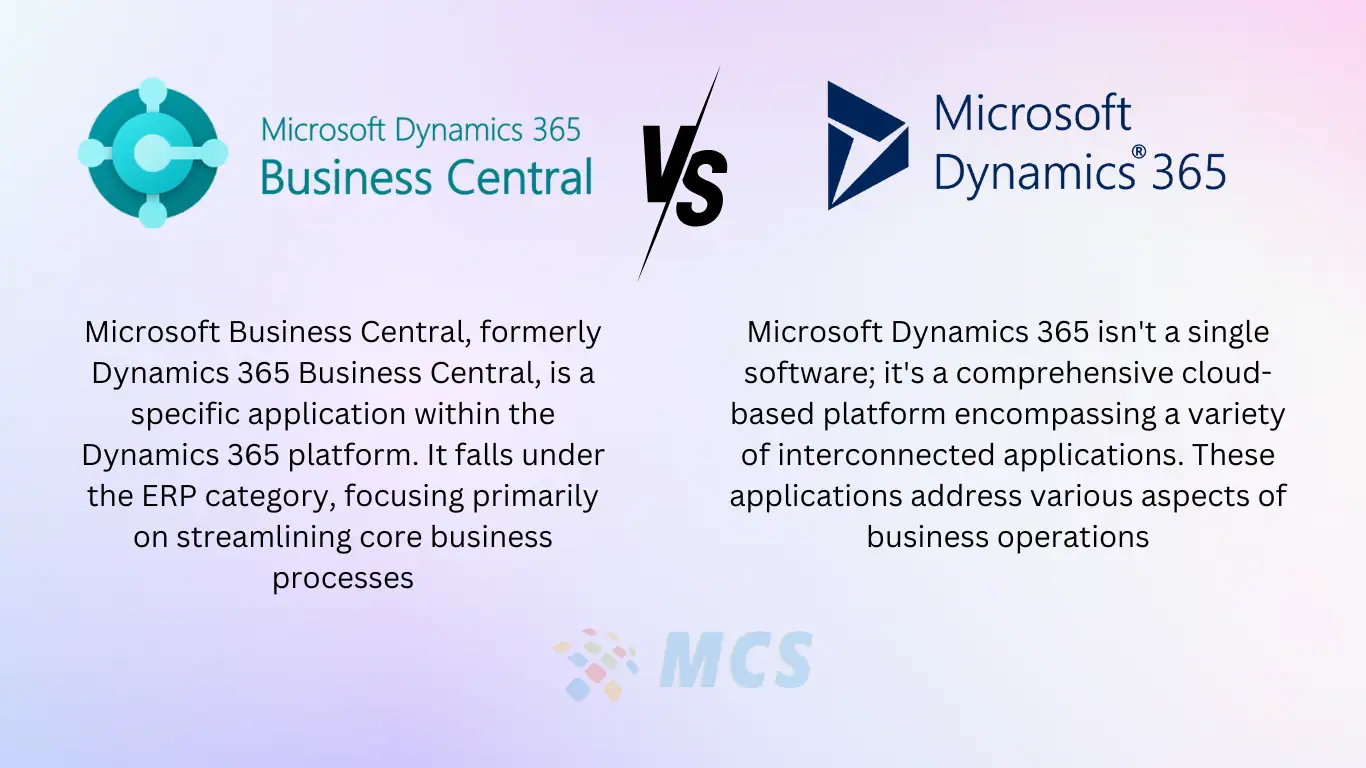
Microsoft Business Central, formerly Dynamics 365 Business Central, is a specific application within the Dynamics 365 platform. It falls under the ERP category, focusing primarily on streamlining core business processes like:
- Financials: Manage accounts payable and receivable, automate invoicing, and generate financial reports.
- Inventory Management: Track stock levels, optimize ordering processes, and gain real-time inventory insights.
- Supply Chain Management: Manage supplier relationships, optimize purchasing, and ensure on-time deliveries.
- Project Management: Plan, track, and manage projects effectively, ensuring timely completion and budget adherence.
- Sales Management: Manage sales pipelines, create quotes and orders, and track customer interactions.
Business Central is well-suited for SMBs due to its user-friendly interface, affordability, and focus on core business functions. It offers strong integration with other Microsoft products like Microsoft 365, facilitating a seamless workflow.
Microsoft Dynamics 365
Microsoft Dynamics 365 isn’t a single software; it’s a comprehensive cloud-based platform encompassing a variety of interconnected applications. These applications address various aspects of business operations, including:
- Customer Relationship Management (CRM): Manage customer interactions, sales pipelines, and marketing campaigns.
- Enterprise Resource Planning (ERP): Streamlines back-office operations like finance, supply chain, inventory, and project management.
- Field Service Management: Optimize scheduling, dispatching, and work order management for field technicians.
- Human Capital Management (HCM): Manage employee onboarding, payroll, talent management, and benefits.
- Business Applications: Integrate additional functionalities like Power BI (business intelligence) and Power Automate (workflow automation).
The beauty of Dynamics 365 lies in its modularity. Businesses can choose individual applications or a combination to suit their specific needs. This flexibility makes it ideal for organizations of various sizes, from small and medium-sized businesses (SMBs) to large enterprises.
Key Differences: Microsoft Business Central vs Microsoft Dynamics 365
Here’s a breakdown of the key differences between Dynamics 365 and Business Central:
| Feature | Microsoft Dynamics 365 | Microsoft Business Central |
| Type | Cloud-based platform with various interconnected applications | Specific ERP application within Dynamics 365 |
| Functionality | CRM, ERP, Field Service, HCM, Business Applications (Power BI, Power Automate) | Financials, Inventory Management, Supply Chain Management, Project Management, Sales Management |
| Scalability | Highly scalable to accommodate growth | Primarily designed for SMBs (up to a few hundred users) |
| Customization | Highly customizable with extensive development options | Streamlined experience with moderate customization options (add-ons and extensions) |
| Deployment | Cloud-based or on-premises (limited availability) | Cloud-based only |
| Integration | Integrates seamlessly with other Microsoft products (Office 365) and third-party applications | Strong integration with Microsoft 365 |
| Data Security | Robust security features with built-in compliance functionalities | Inherits security features from Microsoft Azure |
| Reporting & Analytics | Powerful built-in reporting tools and dashboards integrates with Power BI for advanced analytics | Offers basic reporting tools, integrates with Power BI for enhanced analytics |
| Cost | Subscription-based, varies depending on chosen applications and user licenses | Subscription-based, typically more predictable pricing structure |
| Learning Curve | Steeper learning curve due to wider functionality | Relatively easier to learn and implement due to its focus on core functionalities |
| User Interface | Customizable dashboards and user interfaces | User-friendly interface designed for ease of use |
Choosing the Right Solution
The best choice between Dynamics 365 and Business Central depends on your specific needs:
- SMBs with a focus on core business operations: Microsoft Business Central is a perfect fit due to its affordability, ease of use, and strong core ERP functionalities.
- Organizations requiring a comprehensive suite for CRM, ERP, and other functionalities: Microsoft Dynamics 365 offers the necessary scalability and customization options to cater to diverse needs.
- Businesses requiring extensive customization: Dynamics 365 provides greater flexibility to tailor the platform to specific workflows.
Conclusion
Both Microsoft Dynamics 365 and Microsoft Business Central empower businesses to optimize operations, improve efficiency, and gain valuable insights. By understanding their strengths and aligning them with your specific requirements, you can make an informed decision and leverage the power of these solutions to drive business growth.